
SDS Core Service
Run Enquiries, Bookings, and Orders Like One Connected System With a Custom Build
Most businesses end up running separate tools that do not talk to each other, a website here, a WhatsApp inbox there, leads tracked nowhere in particular. Custom Operations Build brings the six core services together into one connected system, built around how your specific type of business actually runs, with your team trained to use it.
This starts with a real conversation about your workflow, not a generic sales pitch.
All 6 core services connected into one build / Custom system scoped to your actual workflow, not a template
core services connected into one build
system your whole team works from
real adoption evidence after launch
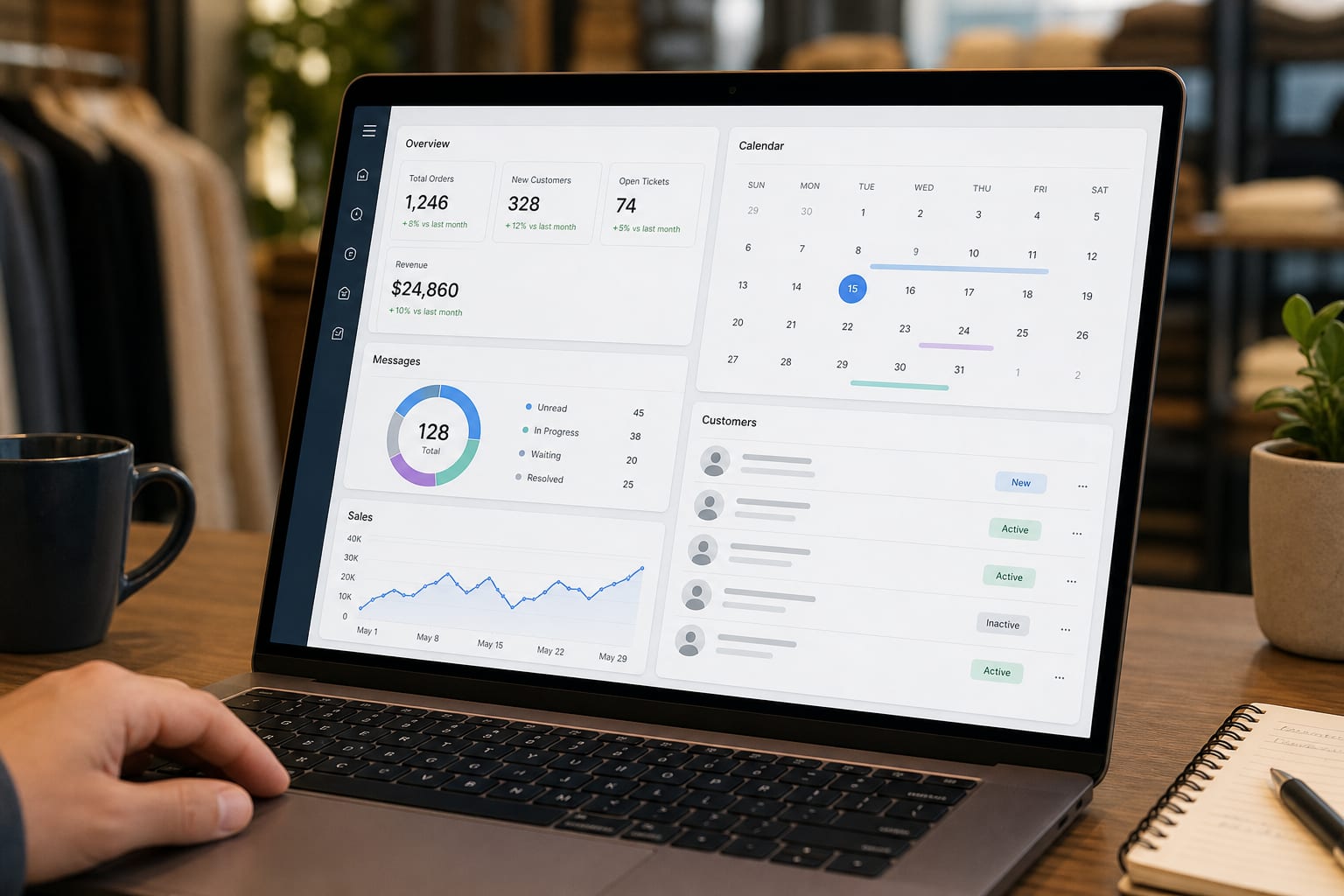
The Real Leak
If an enquiry can get lost between your website, your WhatsApp, and a notebook, it will.
A website form here, a WhatsApp inbox there, bookings written in a notebook, none of it connected. Each piece works fine on its own. Together, they leave gaps.
Every handoff between tools is a place something can slip through.
A custom operations build closes those gaps by connecting the tools you already need, social, search, website, WhatsApp, and follow-up, into one system built around your actual workflow, not five separate logins your team has to check individually.
Workflow first
Map the handoffs before buying another tool.
We start with how enquiries, bookings, orders, and follow-up actually move through the business today.
All 6 core services delivered as one connected build, with a custom system layered on top for how your specific business actually runs.
Connected system
See what one system could look like for your business.
This is not five separate purchases. It is the connected version built around one workflow.
What You Get
All six core services plus a custom operational layer.
All 6 Core Services, Connected
Get social media, search, website, WhatsApp, CRM, and operations connected into one build
Social Media & Content, GBP & Local Search, Website, WhatsApp Automation, CRM Management, and Custom Operations Build all get delivered and connected as one build. Not six separate engagements you coordinate yourself.
Sector-Specific Custom System
Get a system built for how your specific type of business runs
The operational system is specific to how your type of business runs: Admissions Hub, Booking Hub, Patient Enquiry Hub, Customer Order Hub, Refill Hub, Membership Hub, or Programme Activity Hub.
Real Workflow Mapping
Have the system built around what your business actually does
Before anything gets built, we map how enquiries, bookings, or orders move through your business now, including the parts that currently only exist in someone head or a notebook.
Branded Dashboard & Staff Roles
Give every team member their own view with relevant notifications
Every team member gets their own view of the system with roles and notifications set up around what they actually need to see.
Full Staff Training
Keep your team capable of running the whole system
The build is not finished until your team can run it. Training is part of the Foundation stage, the same principle that runs through every other station.
Adoption Proof Stage
See real evidence that staff are actually using the system
After launch, we check whether staff are actually using the system and whether anything is still slipping through the stages it was built to catch.
Ready to map yours?
Book the call before custom operations build becomes another vague project.
We will start from your real business context and show you the cleanest next step.

Six Services Connected
The hard part is making separate tools behave like one system
Social, local search, website, WhatsApp, CRM, and operations are easier to understand when the page shows them converging into one operating layer.
Make this practical
Turn the idea into a working customer flow.
We will map the exact moments where automation should respond, flag, or hand off to your team.
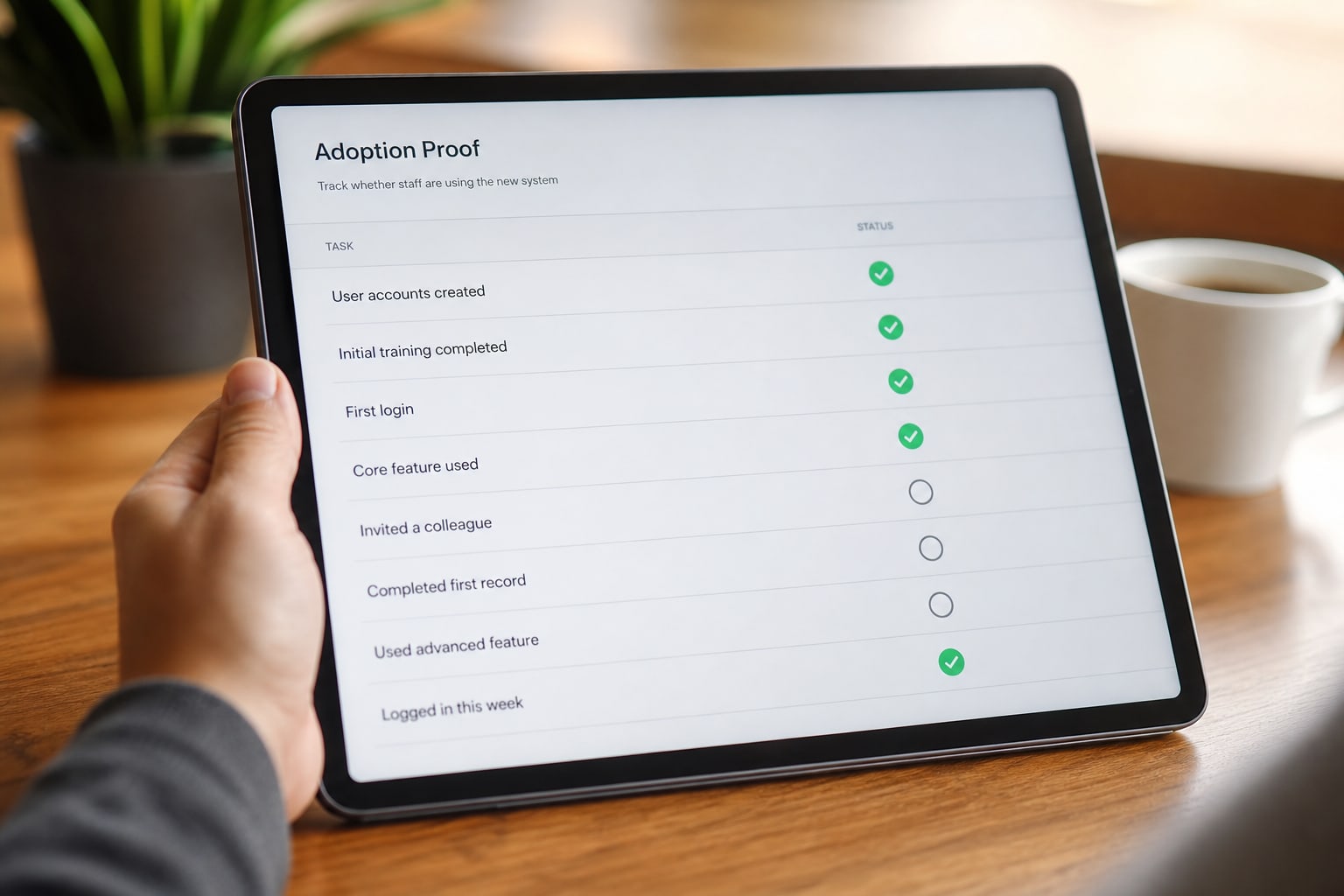
Adoption Proof
The build is only useful if the team actually uses it
Proof checks adoption after launch, so the system is judged by real use and handoff coverage, not by whether the dashboard looked impressive on delivery day.
Make this practical
Turn the idea into a working customer flow.
We will map the exact moments where automation should respond, flag, or hand off to your team.
value path
not just visits
Capstone Build
This is the connected version of the whole SDS stack.
Custom Operations Build is the highest-commitment page because it connects the six core services into the custom operational system that sits on top of them.
Starting fresh: all six core services are delivered as part of the build.
Already partially set up: the custom system connects what exists instead of duplicating it.
The custom layer is built around the workflow, not a generic dashboard template.
Discovery required
Start with a real workflow conversation.
This page is quote-only after discovery because the system depends on your actual operation.
Scan The System
Six reasons this is a system, not a loose task list.
All 6 services included
Not six separate purchases you coordinate yourself.
Sector-specific system
Built around how your business type actually runs.
Real workflow mapping
The system follows the operation, not a template.
Staff roles and notifications
Each person sees what they need to act on.
Full staff training
Capability transfers to the team.
Adoption proof
We check whether the system is actually being used.
What's Included
The six core services connected into one operating system.
Social Media & Content
Brand audit, content pillars across 6 platforms, 30-day calendar, staff training.
Learn moreCustom Operations Build
Workflow mapping, staff roles, dashboards, notifications, and reporting built around how your business actually runs.
Learn moreHow It Works
Foundation maps and builds. Proof checks adoption. Engine keeps the handoffs alive.
The labor is specific: workflow mapping, branded dashboard with staff roles, notifications, monitoring, retraining, and feature additions.
Foundation
Real workflow mapping specific to your business, then all 6 core services connected, a branded dashboard with staff roles and notifications, and a custom operational layer built for your type of business. Staff training included.
Proof
We check real adoption after launch: are staff using the system, and is anything still slipping through the stages it was built to catch?
Engine
The lightest retainer of the six stations: monitoring, retraining as staff turn over, and feature additions as the business grows. It keeps the other services talking to each other.
Connect the operation
Build around the workflow before the dashboard.
The custom layer only makes sense after the real operation is mapped.
Proof window
Adoption proof
A system working on paper is not enough. Proof checks whether staff are actually using it and whether handoffs are still leaking.
Questions
What partners usually ask before starting.
Do I need to already have the other 5 services set up?
No. If you are starting fresh, all 5 core services get delivered as part of this build. If you already have some running individually, the custom system connects what exists instead of duplicating it.
How is this different from buying the 5 services separately?
Bought separately, you would coordinate five engagements yourself and hope they connect. This build maps your workflow first, then delivers all five as one connected system with a custom layer.
What does custom actually mean here?
It means the system reflects how your business actually runs, not a template. A school Admissions Hub looks different from a hotel Booking Hub because the workflow is different.
How long does this actually take?
The exact build timeframe is confirmed after discovery. This is likely the longest station because scope depends on the workflow.
What happens if my team does not use the new system?
That is exactly what the Proof stage checks for. If adoption is not happening, it is addressed directly rather than assumed away.
Still checking fit?
Ask us if this is the right first service.
If another SDS core service makes more sense first, we will tell you. The call should clarify the order, not force the sale.
Next step
Here is everything you get from the Custom Operations Build engagement
All 5 core services delivered and connected as one system, not five separate purchases
A custom operational layer built for how your specific type of business runs
Real adoption proof after launch, plus the lightest ongoing retainer of any station to keep it all connected
This starts with a real conversation about your workflow, not a generic sales pitch.